Page (Main Content)
Renders a standard Shopify page's title and rich-text content as the main body of a page template.
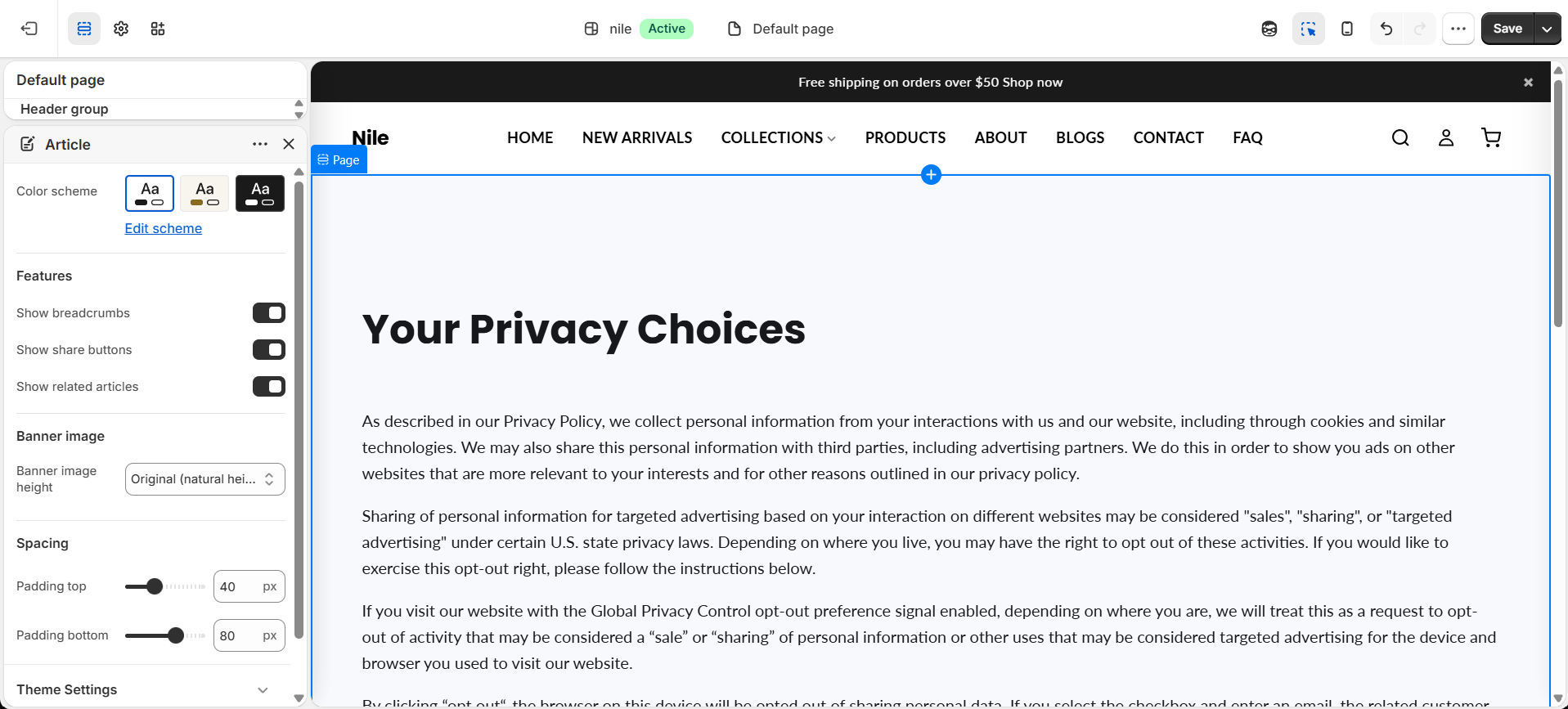
This section is the main body of a standard page. It automatically pulls the title and content you type into the page editor and displays them in a centered, readable layout with styled headings, lists, and links.

How to use it
In the Shopify theme editor, add or open this section, then:
- Go to Online Store → Pages and create or open a page, then add your title and body text in the content editor.
- Assign the page the theme template that uses this section (usually the default
pagetemplate). - In the theme editor, open the page and select the Page section to adjust its settings.
- Pick a Color scheme to control the background and text colors of the section.
- Save and preview - your page title and rich-text content appear automatically.
The text comes from the page's own content field, not from a theme setting - edit it under Online Store → Pages, not in the theme editor.
Use the page editor's rich-text toolbar for h2/h3 headings, lists, and links; the section already styles these consistently.
The content area is capped at 1300px wide and adds responsive padding, so it stays readable on large screens and mobile.
Settings reference
| Setting | Type | Default | What it does |
|---|---|---|---|
| Color scheme | color_scheme | scheme-1 | Sets the background and text colors for the section. |
| Heading | text | - | Optional. Overrides the page title for both the heading and breadcrumb; leave blank to use the page's own title. |
| Show breadcrumbs | checkbox | false | Shows a breadcrumb trail above the page heading. |
Supports Shopify app blocks (@app) so apps can inject content at the bottom of the page; there are no built-in content blocks.
Developer notes
Renders section-color-scheme and section-color-scheme snippet for theming; title/content only output when page.title/page.content are not blank.
- Content is wrapped in
.page-main__content.rteso it inherits the theme's rich-text styles; extra styling lives in an inline{% style %}block scoped to.page-main. - App blocks are looped and rendered only for
block.type == '@app'.
{%- if page.content != blank -%}
  <div class="page-main__content rte">{{ page.content }}</div>
{%- endif -%}