404 Page
The page shoppers see when they hit a broken or missing URL, offering a search box and quick links back into the store.
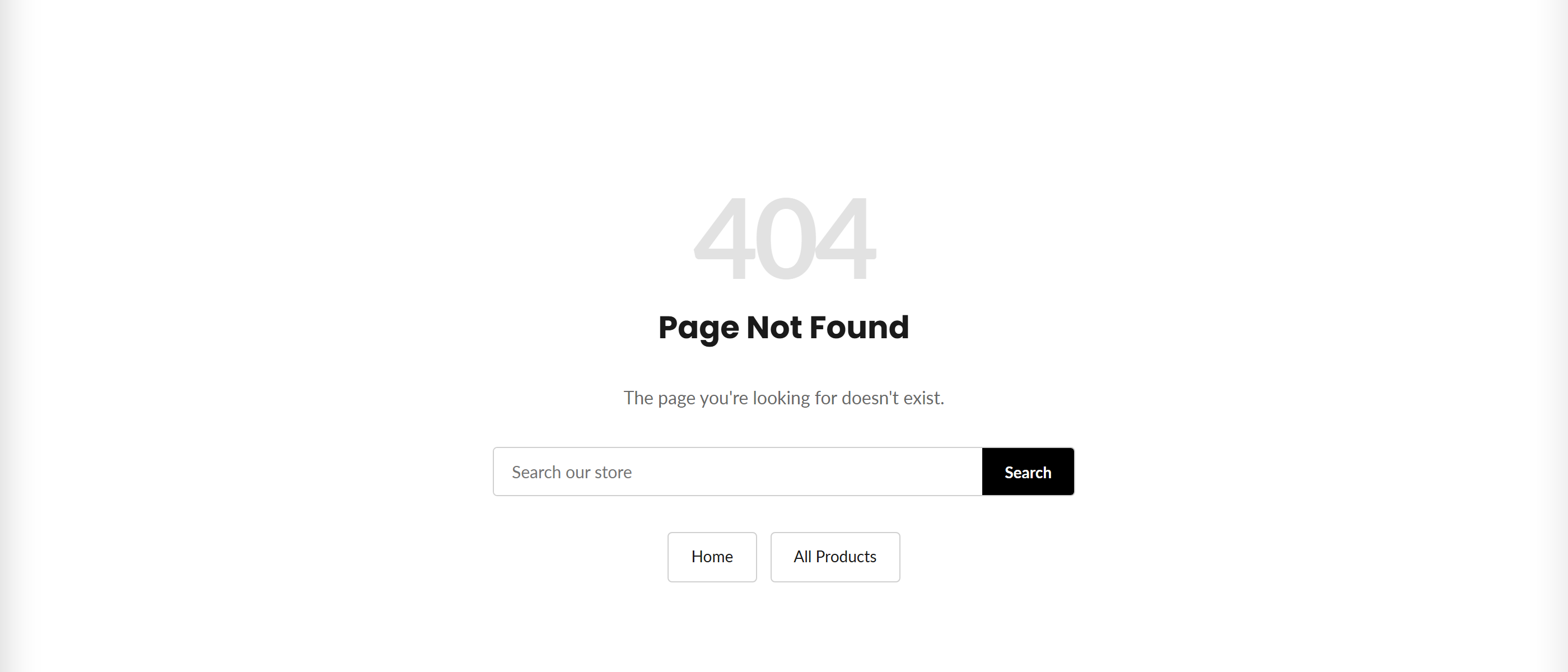
The 404 page is shown automatically whenever a visitor lands on a URL that no longer exists. It displays a large 404 graphic, a heading and message, a store search box, and links to the homepage and all products, plus one optional custom link you control.
How to use it
In the Shopify theme editor, add or open this section, then:
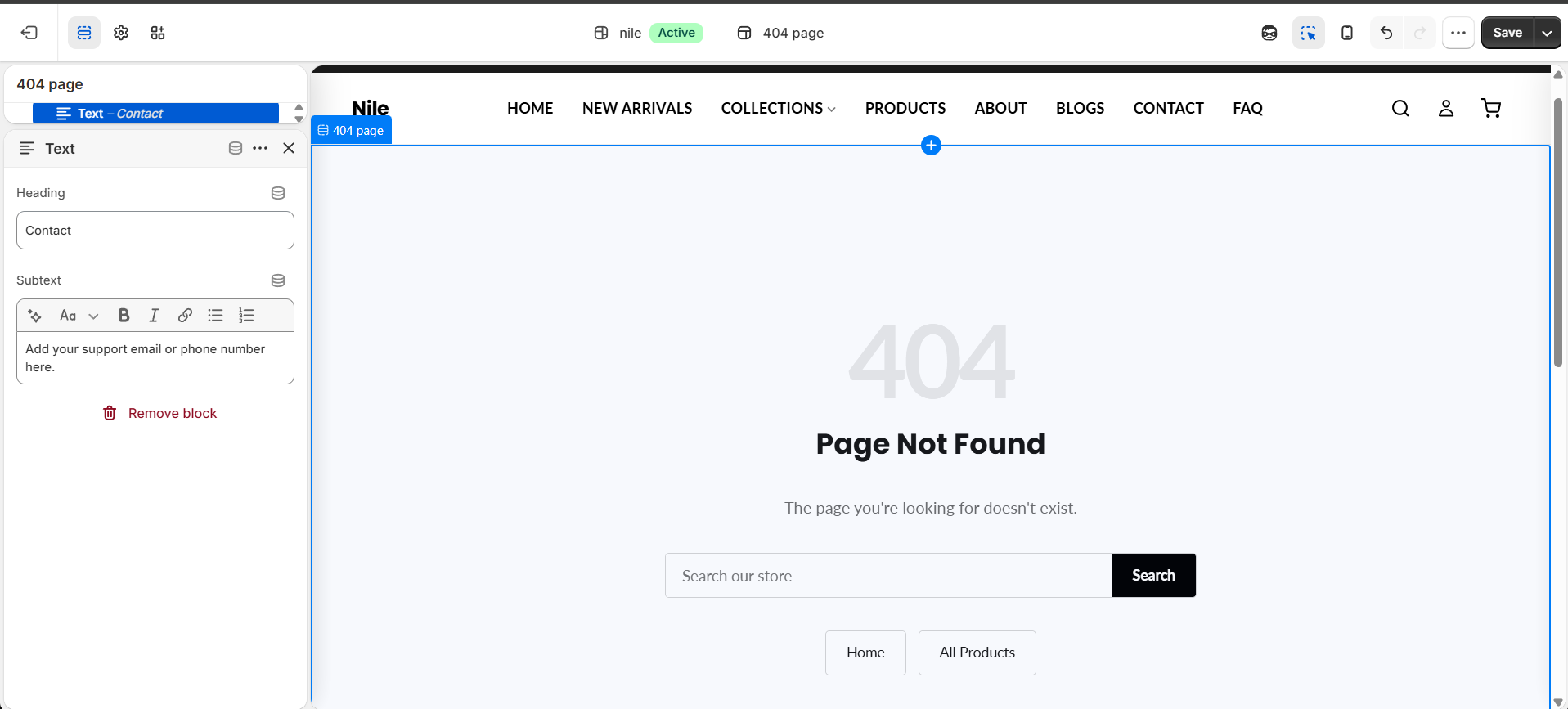
- In the Shopify theme editor, open the 404 page template from the top template selector.
- Select the 404 page section to reveal its settings.
- Set the Color scheme to match how you want the page styled.
- Enter an Extra link label (for example Contact Us) and choose its destination in Extra link URL.
- Leave either the extra label or URL blank to hide that third link, then Save.
The Home and All products links are always shown automatically, so use the extra link for something specific like a contact or help page.
The heading, message, and search placeholder come from your theme's translations (general.404 and accessibility keys), not from section settings - edit them under Content > Themes > Edit default theme content.
The extra link only appears when both its label and URL are filled in.
Settings reference
| Setting | Type | Default | What it does |
|---|---|---|---|
| Color scheme | color_scheme | scheme-1 | Applies one of your theme's color schemes to the 404 page. |
| Extra link label | text | Contact Us | Text for an optional third link shown alongside Home and All products. |
| Extra link URL | url | - | Destination for the extra link; the link is hidden unless both label and URL are set. |
Supports Shopify app blocks (@app) only, letting apps inject content at the bottom of the 404 page; there are no theme-defined blocks.
Developer notes
Renders section-color-scheme snippet for scheme styling; all other CSS is inlined in a <style> block scoped to the .page-404 class.
- The search form posts to
routes.search_url; quick links useroutes.root_urlandroutes.all_products_collection_url. - Static text pulls from translation keys
general.404.title,general.404.subtext,general.breadcrumbs.home,general.all_products, andaccessibility.*. - App blocks are rendered via a loop that only outputs blocks of type
@app.
{%- if section.settings.extra_link_label != blank and section.settings.extra_link_url != blank -%}
  <a href="{{ section.settings.extra_link_url }}" class="page-404__link">{{ section.settings.extra_link_label }}</a>
{%- endif -%}