Brand logos
An auto-scrolling marquee of partner or brand logos that loops seamlessly and pauses on hover or touch.
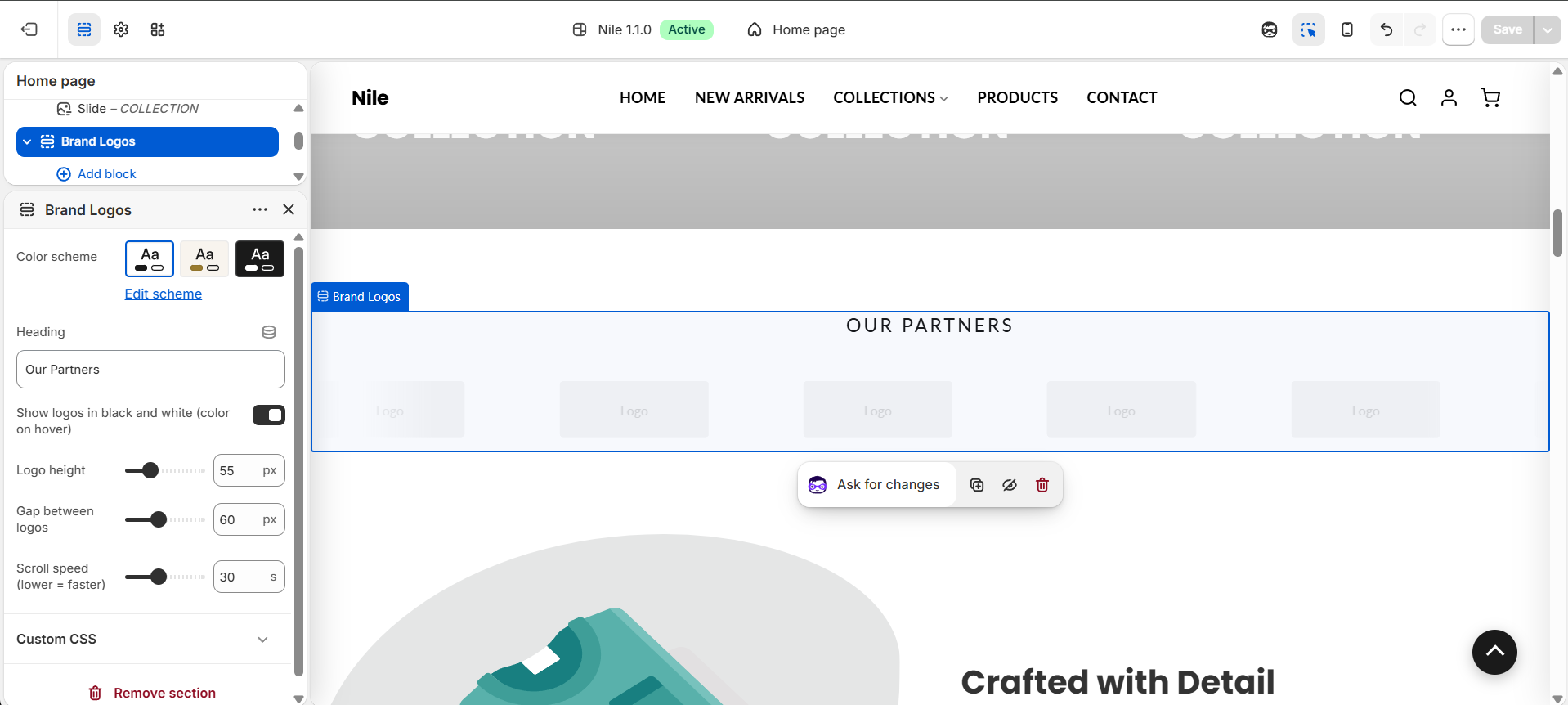
Brand logos displays a horizontal, continuously scrolling row of partner or brand logos (a marquee). Each logo sits in its own soft, rounded card that gently lifts and returns to full color when hovered. The logos loop seamlessly by rendering the set twice, and the animation pauses when a visitor hovers, focuses, or touches the row. It respects the visitor's reduced-motion preference by stopping the scroll entirely.

How to use it
In the Shopify theme editor, add or open this section, then:
- In the theme editor, open the page and click Add section, then choose Brand logos (or find it if already added to your home page).
- Enter a Heading (for example "Our Partners") or clear it to hide the title.
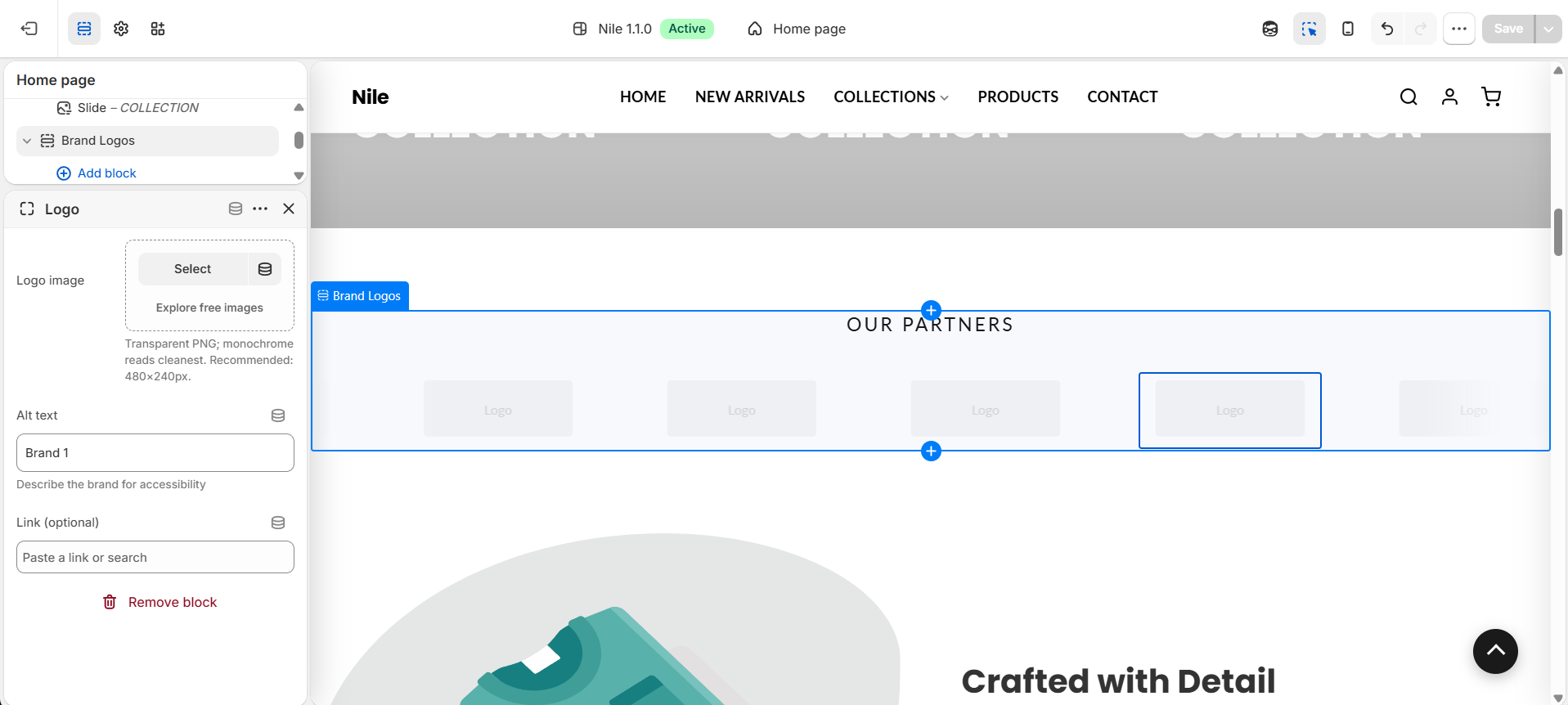
- Click Add block → Logo for each brand, then upload a Logo image and fill in Alt text.
- Optionally add a Link so the logo clicks through to the brand's page.
- Adjust Logo height, Gap between logos, and Scroll speed to taste, and toggle the black-and-white option.
- Click Save.
Use transparent PNGs; monochrome logos read cleanest. Recommended size is 480×240px. Each logo sits in a card (min ~200px wide); the image itself is capped at 140px wide and the height you set.
Scroll speed is measured in seconds for one loop, so a lower value scrolls faster.
Add enough logos to fill the width; with only one or two, the gap in the looping marquee becomes noticeable.
Settings reference
| Setting | Type | Default | What it does |
|---|---|---|---|
| Color scheme | color_scheme | scheme-1 | Sets the section's background and text colors. |
| Heading | text | Our Partners | Small uppercase title shown above the logos; leave blank to hide it. |
| Show logos in black and white (color on hover) | checkbox | true | Renders logos in grayscale at reduced opacity, returning to full color when hovered. |
| Logo height | range | 55px | Maximum logo height, 30-120px. Width scales automatically (image capped at 140px; the card height is the logo height + padding). |
| Gap between logos | range | 60px | Horizontal spacing between logos, 20-120px. |
| Scroll speed (lower = faster) | range | 30s | Seconds for one full loop, 10-60s. Lower is faster. |
Logo blocks
Each logo is a repeatable Logo block. Select a block to upload its logo image, set alt text, and add an optional link. @app blocks are also supported.
Developer notes
Self-contained: inline <style> and <script> are scoped by section.id, including a per-section @keyframes brandLogoScroll{id}.
- The blocks are rendered twice in a
(1..2)loop for a seamless marquee (the track translates-50%); the second pass is a visual clone markedaria-hidden="true"withtabindex="-1"so logos aren't announced or focusable twice. - Each logo is wrapped in a
.brand-logo-item__innercard - a scheme-aware background (rgba(var(--color-text), 0.025)), 1px border,border-radius: 16px, and atranslateY(-5px)+ shadow lift on hover; the grayscale filter (when enabled) clears to full color on the same hover. - Pausing is CSS-driven on hover/focus (
:hover,:focus-within); the JS adds anis-pausedclass ontouchstart/touchendfor touch devices. Track-wrapper uses amask-imagegradient to fade the edges. - Renders
section-color-scheme; missing logos fall back to an inline placeholder SVG. The marquee only outputs whensection.blocks.size > 0.
<div class="brand-logos__track" style="animation: brandLogoScroll{{ section.id }} {{ section.settings.scroll_speed }}s linear infinite;">
  {%- for i in (1..2) -%}
    {%- for block in section.blocks -%}
      <img src="{{ block.settings.logo | image_url: width: 320 }}">
    {%- endfor -%}
  {%- endfor -%}
</div>