Image with Text
A flexible content block that pairs a portrait image with a heading, paragraph, and button, or shows centered text-only content.
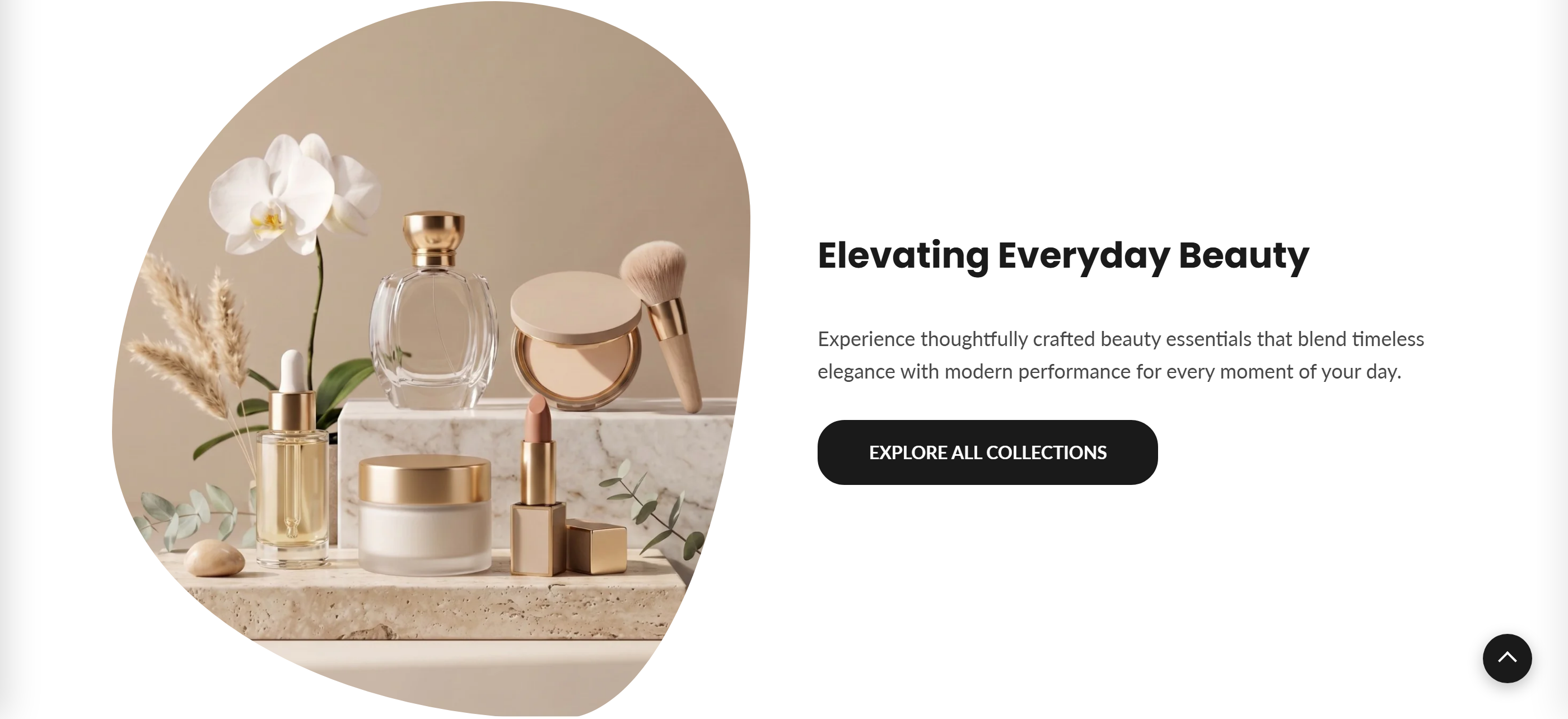
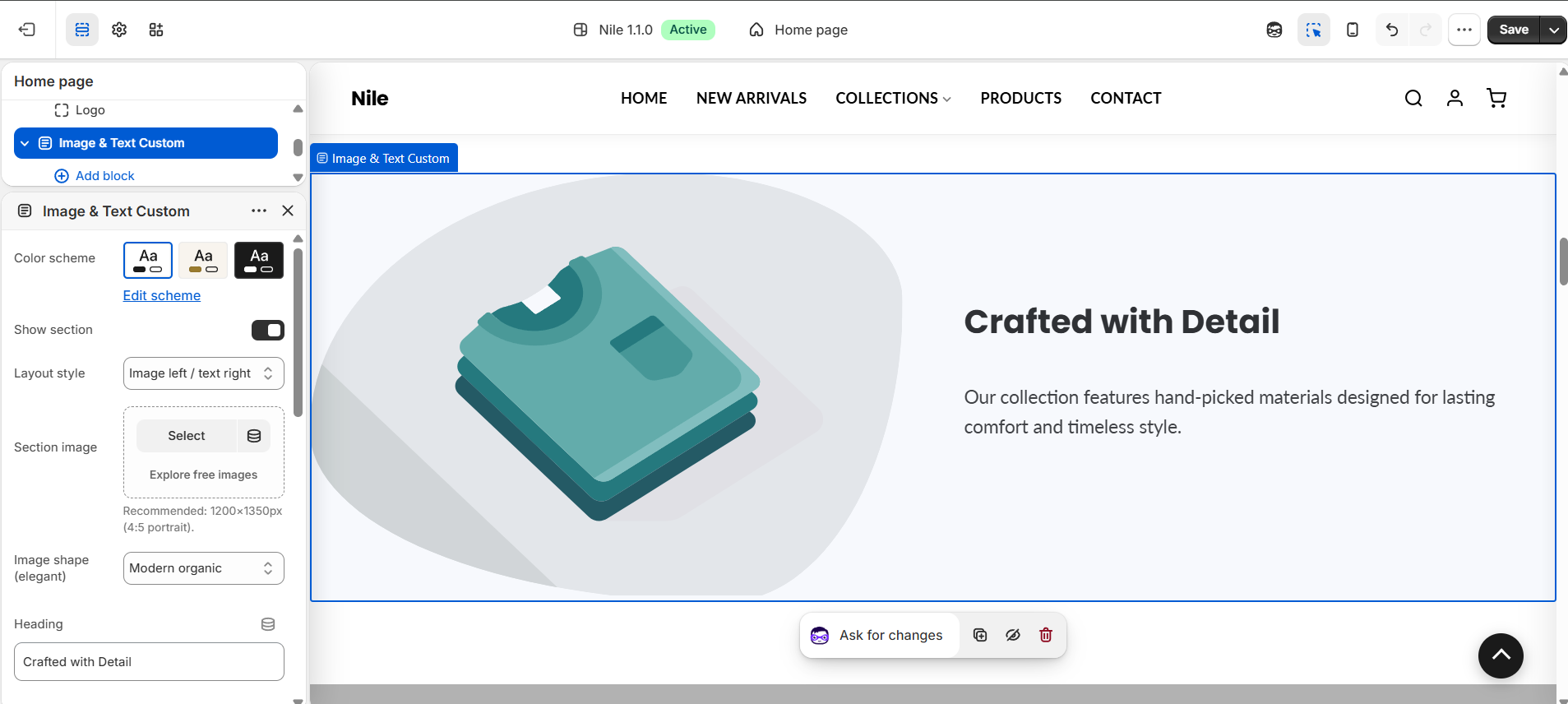
Image with Text places a portrait image beside a heading, rich-text paragraph, and optional button, letting you tell a short brand or product story on the home page. You can switch to a centered, text-only layout when no image is needed, and the image can take a modern organic, soft-radius, or sharp-edge shape.
How to use it
In the Shopify theme editor, add or open this section, then:
- In the theme editor, add or open the Image and text section and keep Show section checked.
- Choose a Layout style: Image left / text right or Centered content (no image).
- Upload a Section image (recommended 1200×1350px, 4:5 portrait) and pick an Image shape.
- Enter your Heading and Paragraph, then set a Button label and Button link.
- Optionally adjust the Button shape and, under Button colors, choose Custom to override the theme's default button colors.
- Save and preview to confirm the layout looks right on desktop and mobile.
Use a portrait 4:5 image around 1200×1350px; the image is served at 1200px wide (with a srcset up to 1500px) and loads lazily unless you turn on Prioritize image loading.
The button only appears when a Button label is filled in, and the paragraph and heading each hide when left blank.
In the Centered content layout the image is ignored, so use it for a text-only call-to-action.
Settings reference
| Setting | Type | Default | What it does |
|---|---|---|---|
| Color scheme | color_scheme | scheme-1 | Applies the theme color scheme to the section. |
| Show section | checkbox | true | Uncheck to hide the entire section without deleting it. |
| Layout style | select | image_text | Choose 'Image left / text right' or 'Centered content (no image)'. |
| Section image | image_picker | - | Recommended: 1200×1350px (4:5 portrait). A placeholder shows if empty. |
| Image shape (elegant) | select | organic | Modern organic, Soft radius, or Sharp edge. |
| Prioritize image loading (above-the-fold) | checkbox | false | When on, the image loads eagerly with fetchpriority="high" (for LCP when this is the first section); off keeps it lazy-loaded. |
| Heading | text | Crafted with Detail | Section title shown above the paragraph. |
| Heading tag | select | h2 | HTML level for the heading: H1, H2, or H3. Use H1 only when this is the page's main heading. |
| Paragraph | richtext | Our collection features hand-picked materials designed for lasting comfort and timeless style. | Rich-text body copy. |
| Button label | text | Learn More | Leave blank to hide the button. |
| Button link | url | - | Destination the button links to. |
| Button shape | select | default | Theme default, Rectangle, Rounded, or Rounded rectangle. |
| Button colors | select | default | Select 'Custom' to override the global button colors set in Theme Settings. |
| Custom button background | color | #000000 | Only used when 'Button Colors' is set to Custom. |
| Custom button text | color | #ffffff | Only used when 'Button Colors' is set to Custom. |
The section accepts only @app blocks, so merchants can insert compatible Shopify app blocks; it has no other repeatable content blocks.
Developer notes
Loads image-with-text.css and renders section-color-scheme; the whole section is wrapped in {% if section.settings.enable_section %}.
- Button colors are resolved in a Liquid block and injected via an inline
{% style %}scoped to#ImageWithText-{{ section.id }}, falling back to the section's color-scheme button tokens (--color-button/--color-button-text) unlessbutton_color_style == 'custom'. - CSS class hooks are driven by settings:
layout-{layout_type},shape-{image_style}, andbtn-shape-{resolved_btn_shape}. - App blocks are rendered separately at the end via
{% for block in section.blocks %}{% if block.type == '@app' %}.
<div class="itc-container layout-{{ section.settings.layout_type }}">
  {%- if section.settings.layout_type == 'image_text' -%}
    <div class="itc-image-wrapper shape-{{ section.settings.image_style }}">
      <img src="{{ section.settings.image | image_url: width: 1200 }}" loading="lazy">
    </div>
  {%- endif -%}
</div>