About page
The About page template (page.about) that tells your brand story using a stack of reusable theme sections.
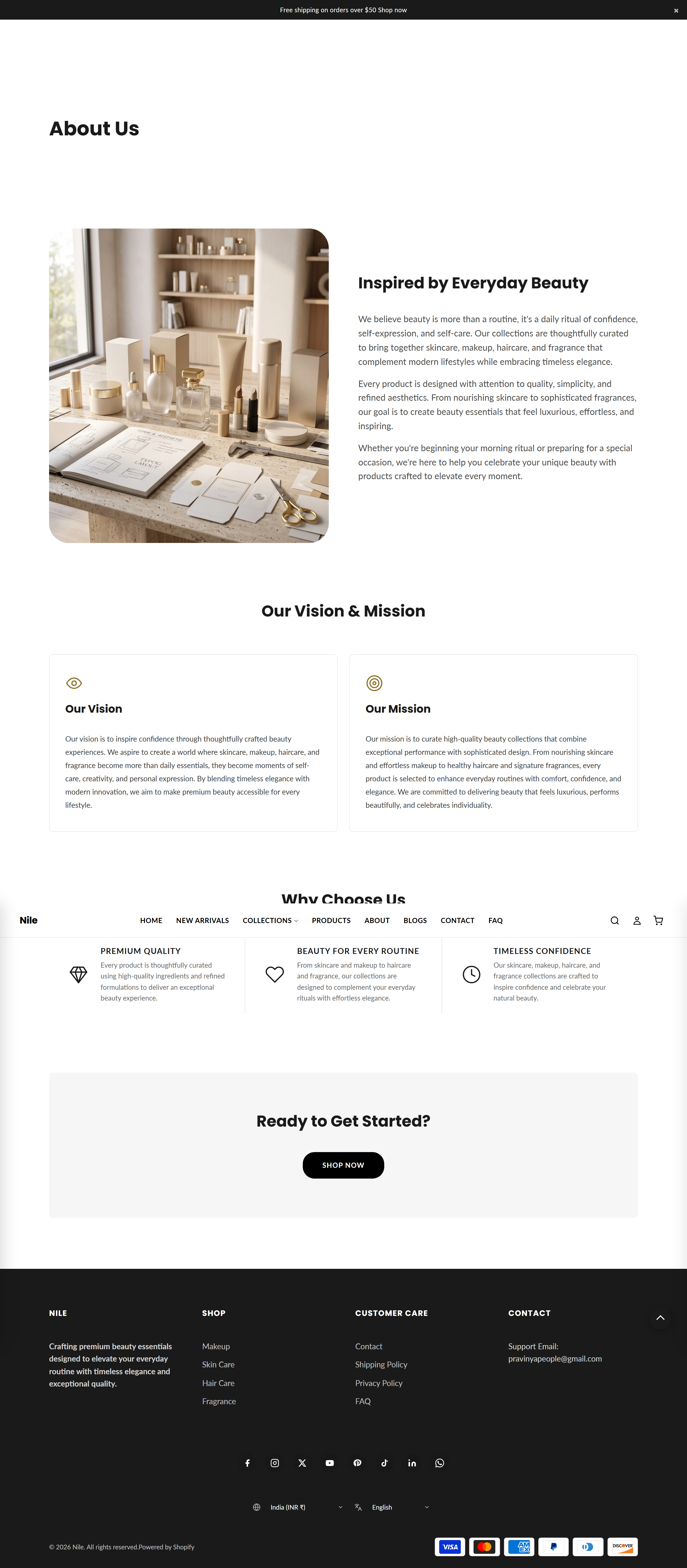
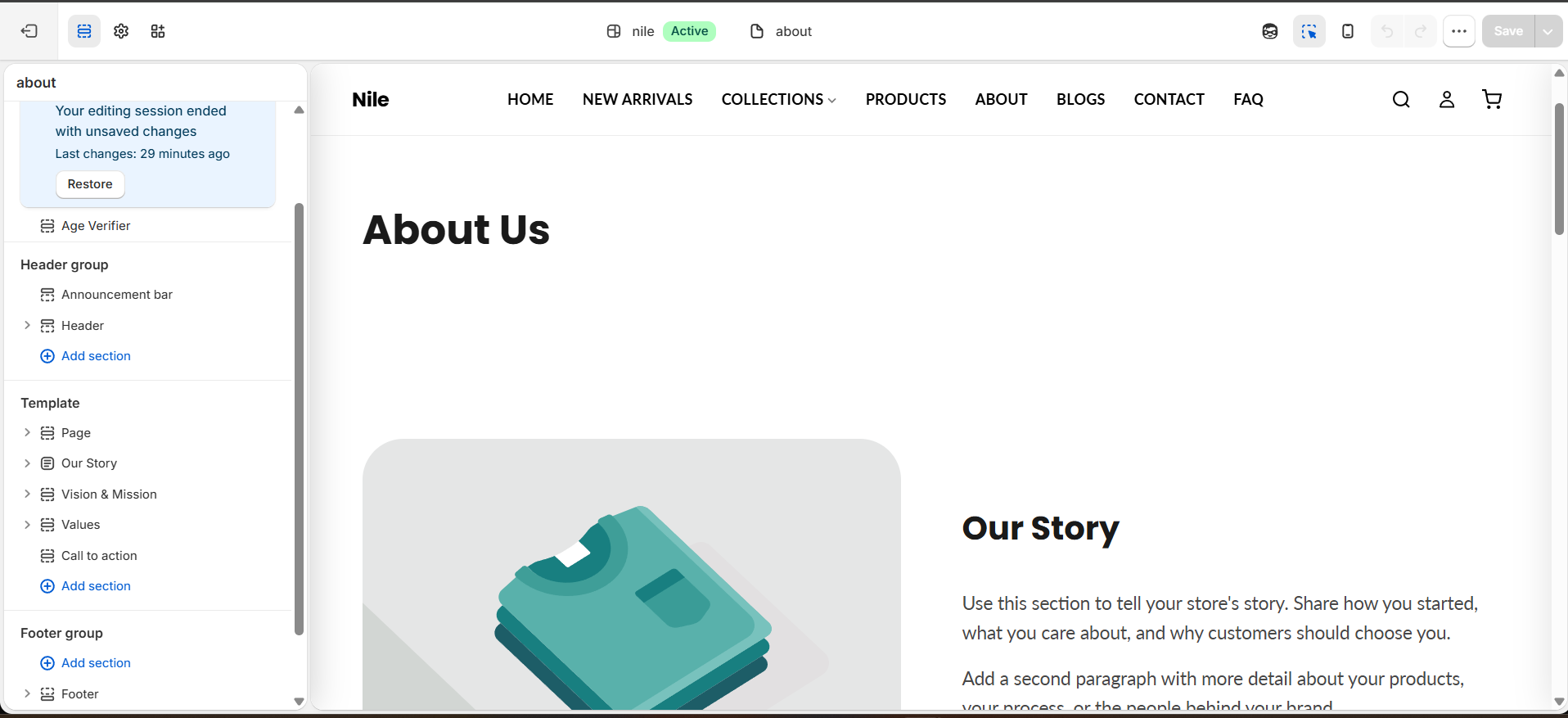
The About page is a ready-made storytelling layout built from five stacked sections: a page header, a story block, vision & mission, values, and a closing call to action. Each section can be edited, reordered, or hidden independently in the theme editor, so you can keep only the parts that fit your brand.
Sections on this template
The About page reuses existing theme sections rather than one large "about" section. In order:
| # | Section on the page | Section type | Documented under |
|---|---|---|---|
| 1 | Page header | page-main | Page (Main Content) |
| 2 | Our Story | image-with-text | Image with Text |
| 3 | Vision & Mission | about-vision-mission | About - Vision/mission |
| 4 | Values | icon-features | Icon Features |
| 5 | Call to action | about-cta | About - Call to Action |
Want to introduce your people? Add the About - Team section - it isn't on the page by default, but you can add it in the editor via Add section → Team.
How to use it
In the Shopify theme editor:
- In Shopify admin go to Online Store → Themes → Customize.
- In the top template picker choose Pages → About (the page using the
page.abouttemplate). - Click any section in the left sidebar (for example Our Story) to edit its heading, text, and image.
- Use each section's Show section checkbox to hide parts you don't need instead of deleting them.
- Open Vision & Mission or Values to add, reorder, or remove their repeatable blocks.
- Click Save to publish your changes.
Each section has its own full documentation - open the linked page in the table above to see every setting. This page only covers how the template is assembled.
To create the page itself, add a page in Online Store → Pages and set its Theme template to page.about.
You can add any other theme section to this page too (or remove one of the five) - the template is just a starting arrangement, not a fixed layout.
Developer notes
The page is defined by templates/page.about.json, which sets order and seeds each section's settings and blocks. There is no dedicated about section - the template composes shared sections.
- Default
order:page_title(page-main) →about_story(image-with-text) →about_vision_mission(about-vision-mission) →about_values(icon-features) →about_cta(about-cta). - The "Values" step is the standard
icon-featuressection (max 4featureblocks), seeded here withgem/heart/staricons and a Why Choose Us heading. - The
page_titleheader is seeded with"heading": "About Us"and"show_breadcrumbs": false. - The
about-teamsection ships with the theme but is not on this template by default; merchants can add it from the section picker. - Because every block is a normal section, each is editable, hideable, and reorderable in the editor independently; merchants can also swap in other sections.
"order": [
  "page_title",
  "about_story",
  "about_vision_mission",
  "about_values",
  "about_cta"
]