Blog
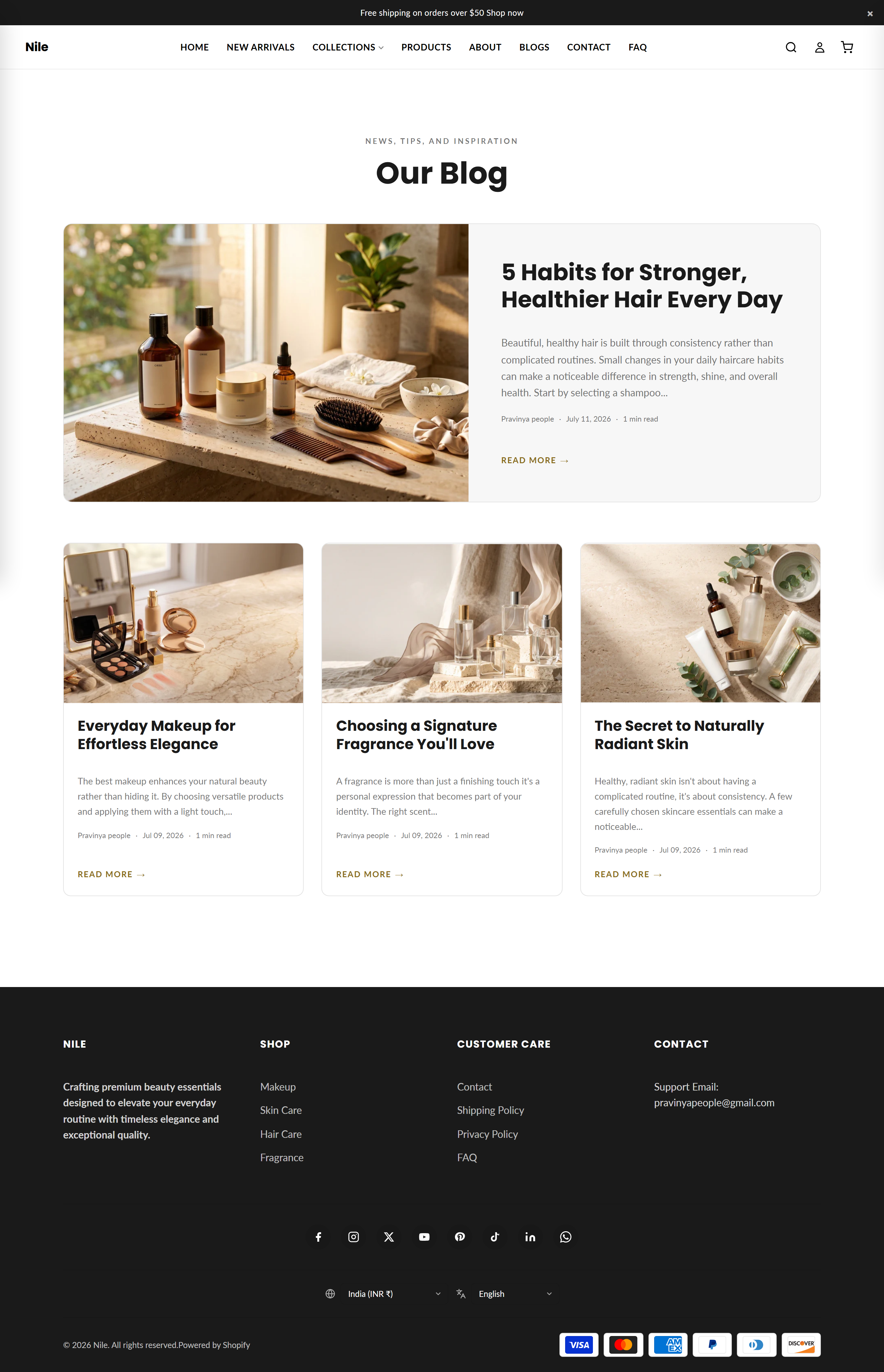
The Blog page template lists your blog's articles in a magazine-style layout with a featured lead post, tag filters, and pagination.
This is the template Shopify uses whenever a shopper opens one of your blogs. It renders every published article in that blog as a responsive grid of cards, promotes the newest post as a large featured split card on the first page, and adds tag-filter links and numbered pagination automatically.
Sections on this template
- Blog Posts
How to use it
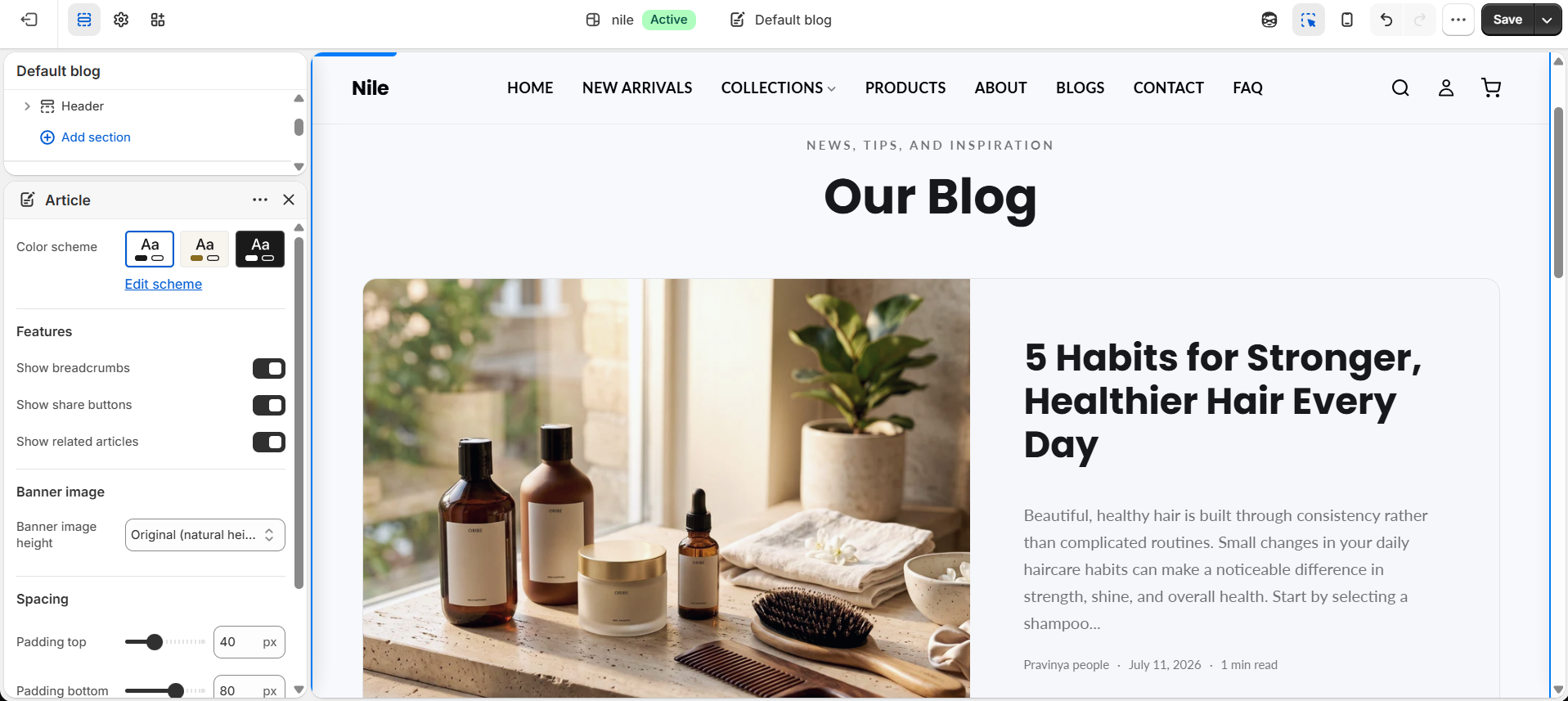
In the Shopify theme editor, add or open this section, then:
- In the Shopify admin, go to Online Store → Themes and click Customize on the Nile theme.
- In the top template dropdown, choose Blog (Blogs → your blog) to load this page.
- Select the Blog Posts section to edit its
headingandsubheadingtext. - Adjust Articles per page to control how many posts show before pagination appears.
- Use the Top padding and Bottom padding sliders to fine-tune vertical spacing, then click Save.
Article images, tags, authors, and excerpts come from each post's own settings in Online Store → Blog posts, not from this template.
The featured split card and tag-filter bar appear automatically: the feature shows only on page 1 when no tag is selected, and filters show only once the blog has tags.
Featured images are served up to 1200px wide and card images up to 700px, so upload post images at least that large for a crisp result.
Settings reference
| Setting | Type | Default | What it does |
|---|---|---|---|
| Color scheme | color_scheme | scheme-1 | Sets the section's background and text colors. |
| Heading | text | Our Blog | Large title shown at the top of the blog; hidden if left blank. |
| Subheading | text | News, tips, and inspiration | Small eyebrow line above the heading; hidden if left blank. |
| Articles per page | range | 6 | Number of posts per page (4-24) before pagination kicks in. Template ships set to 8. |
| Top padding | range | 80px | Space above the section (0-120px). |
| Bottom padding | range | 80px | Space below the section (0-120px). |
This section accepts only @app blocks, letting apps inject content; it has no merchant-editable repeatable blocks.
Developer notes
Enqueues blog-main.css via asset_url | stylesheet_tag and renders the section-color-scheme snippet for scheme variables.
- Accent-colored elements (tags, active filters/pagination, hover states) are inline-styled from the global
settings.color_accent, scoped to#BlogMain-{{ section.id }}. - Reading time is computed inline as word count divided by 200 (
at_least: 1); it is not a stored field. - Uses
{% paginate blog.articles %}; the feature card only renders whenpaginate.current_page == 1andcurrent_tags == blank.
{% paginate blog.articles by section.settings.articles_per_page %}
  {%- if paginate.current_page == 1 and current_tags == blank -%}
    {%- assign featured = blog.articles.first -%}
  {%- endif -%}
  {%- for article in blog.articles -%}...{%- endfor -%}
{% endpaginate %}