Generic page
The default template that renders a standard Shopify page's title and rich-text content.
The Generic page template is Shopify's default layout for content pages. It shows the page's title as a heading and renders whatever you type into the page's rich-text editor as the body content. Edit the words themselves under Online Store → Pages; use the theme editor only to adjust the layout section's appearance.
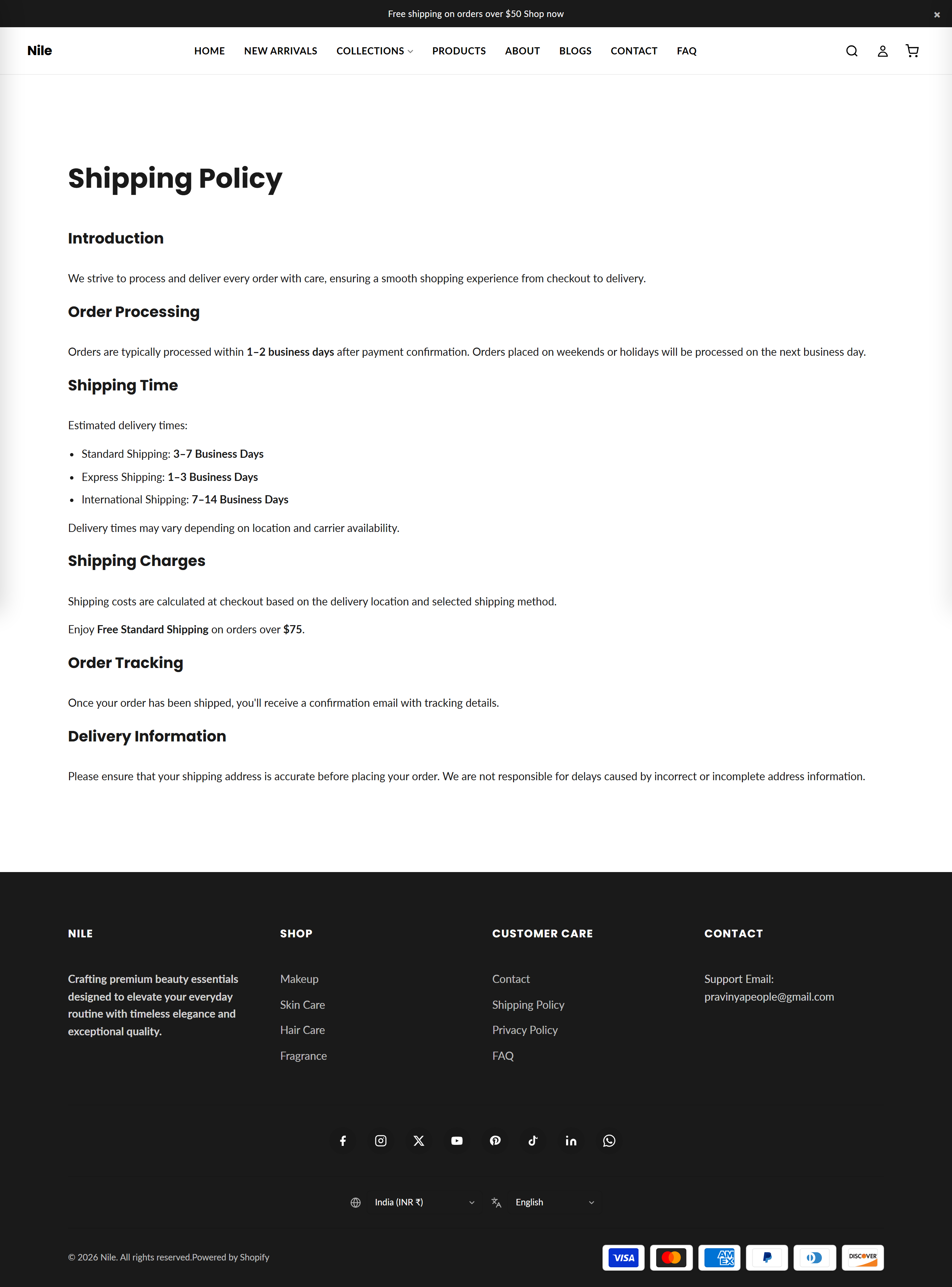
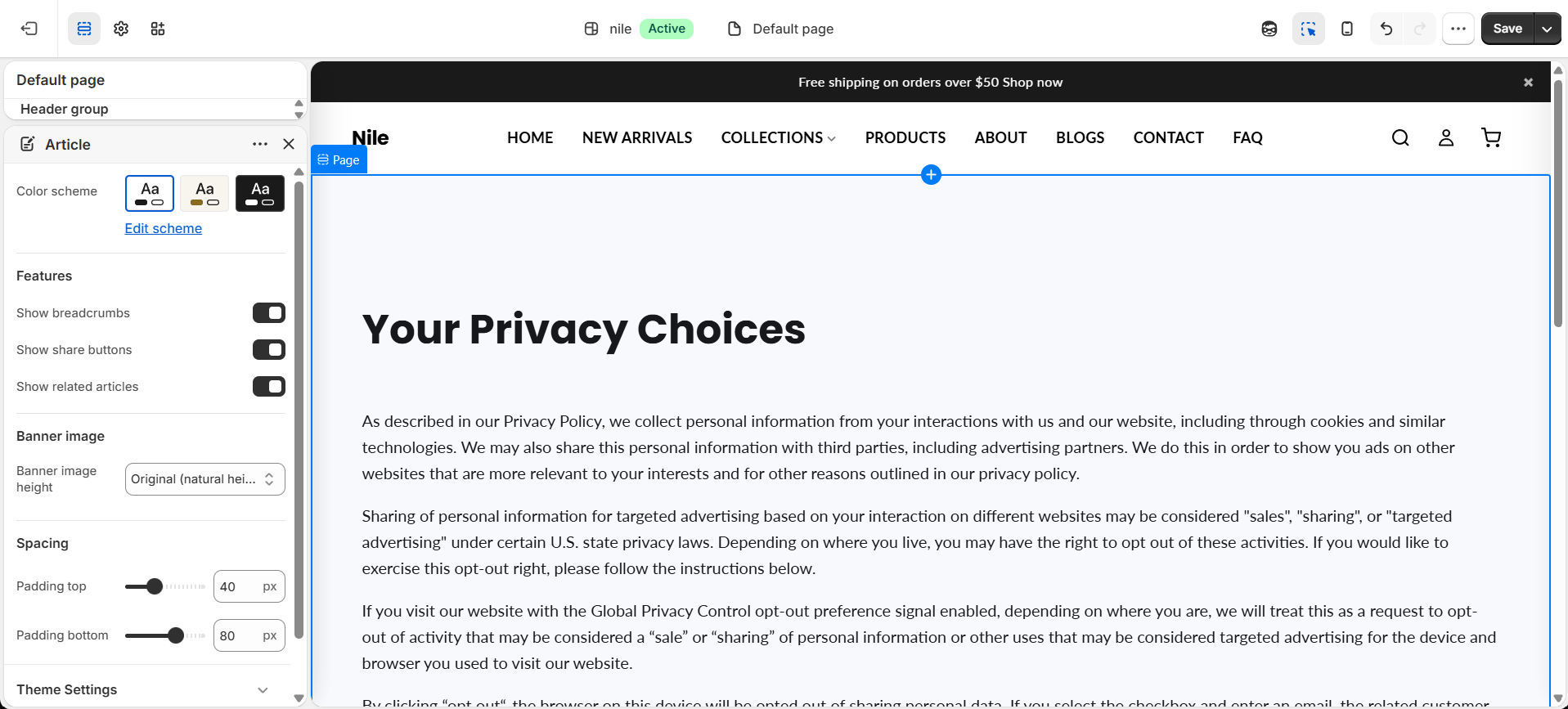
Sections on this template
- Page
How to use it
In the Shopify theme editor, add or open this section, then:
- Create or edit the page text under Online Store → Pages - the title and body come from there, not the theme editor.
- In the theme editor, open Theme editor → Pages → Default page to preview and style the layout.
- Select the Page section to change its Color scheme.
- Optionally add app blocks to the section if an installed app provides them.
- Click Save to apply your changes.
To give one page a unique design, duplicate this template in the theme editor's template picker (Create template) and assign it to that page.
Use the page's rich-text editor headings (H2/H3), lists, and links - the template already styles them for readability.
If the page looks empty, confirm the page has content saved and is assigned the correct template.
Settings reference
| Setting | Type | Default | What it does |
|---|---|---|---|
| Color scheme | color_scheme | scheme-1 | Sets the background and text colors for the page section using one of the theme's defined color schemes. |
The section accepts @app blocks only, so apps you install can inject content below the page body; there are no built-in content blocks.
Developer notes
The section renders page.title as an <h1> and page.content inside a .rte wrapper, each guarded by a != blank check.
- Styles are scoped inline under
.page-mainwith apage-widthcontainer capped at 1300px; typography usesvar(--font-heading)and responsive breakpoints at 749px. - Color is applied via
{% render 'section-color-scheme' %}driven by thecolor_schemesetting. - App blocks render through the trailing
{% for block in section.blocks %}loop filtering onblock.type == '@app'.
{%- if page.content != blank -%}
  <div class="page-main__content rte">
    {{ page.content }}
  </div>
{%- endif -%}