Product page
Merchant Developer
The single-product template: media gallery, buy box, and supporting sections.
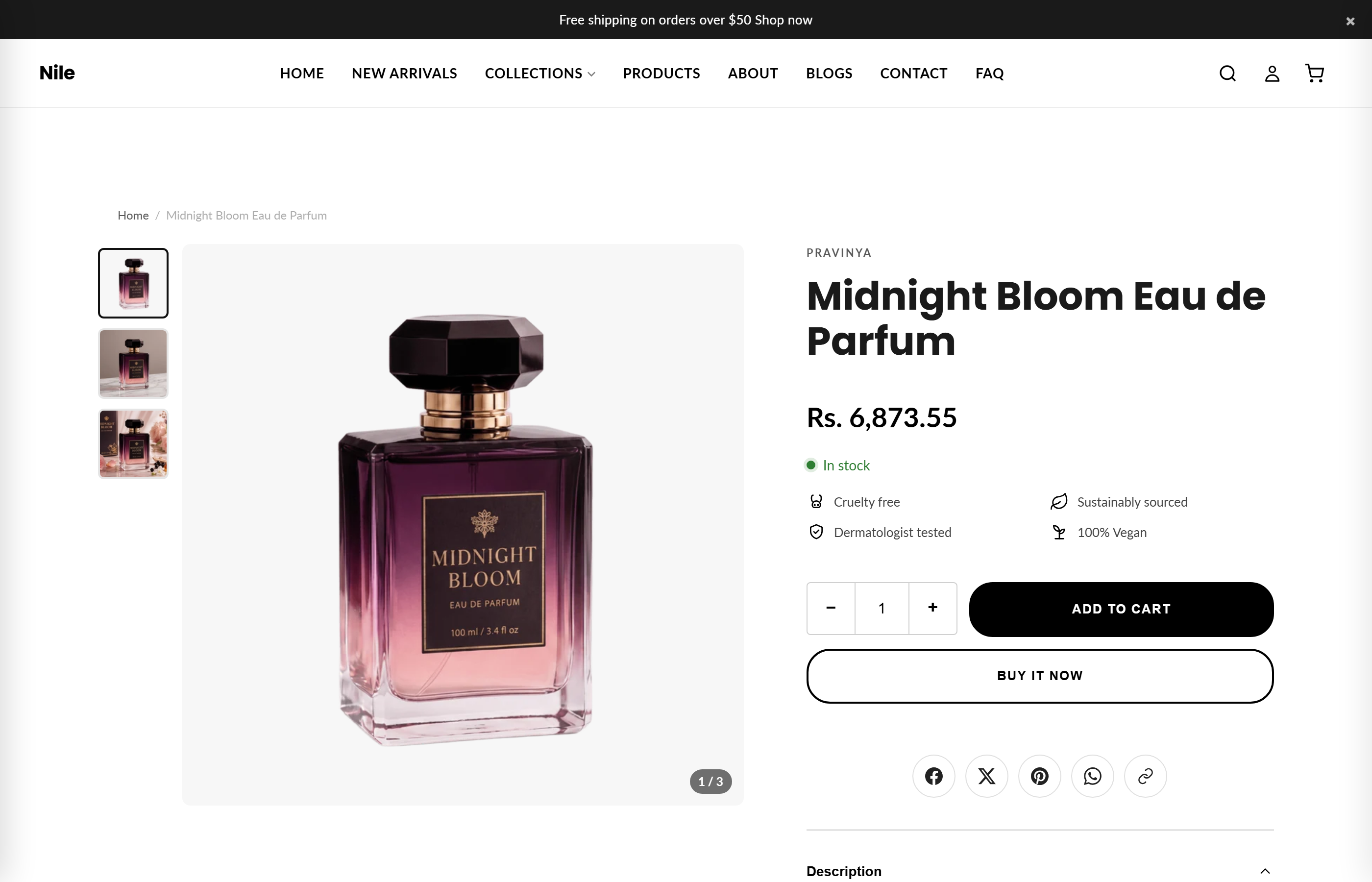
The product template controls how every product looks. It's a main Product section (gallery + buy box) followed by supporting sections like recommendations, reviews, bundles and cross-sell rows.
storefront previewResult
storefront previewSettings
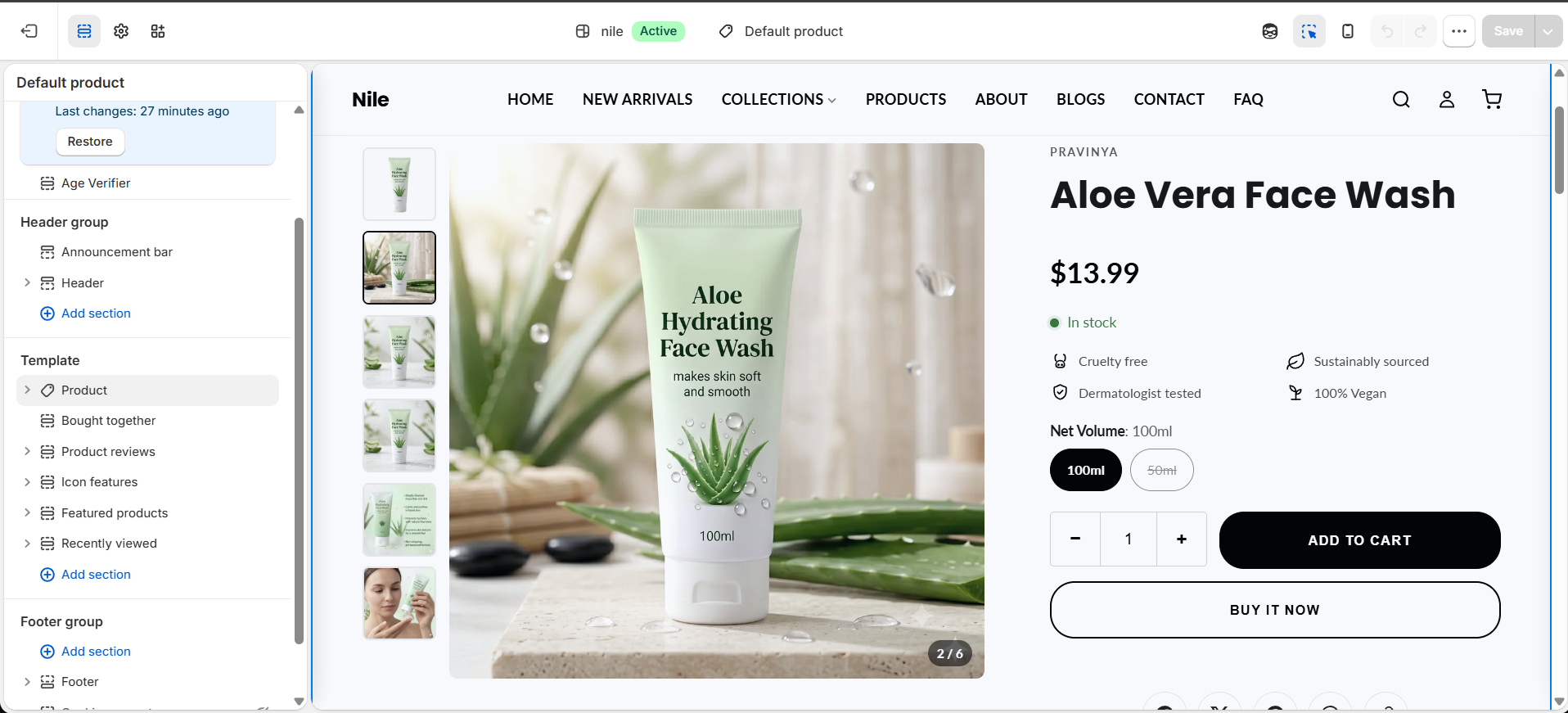
Sections on this template
In the order they ship on the default product template:
- Product - gallery, title, price, variants, add-to-cart.
- Recommendations - complementary products near the buy box, plus a related-products row further down (two Product recommendations sections).
- Product reviews - star ratings and feedback.
- Icon features - a row of trust/benefit icons.
- Product bundles - a "buy it with" one-click add strip.
- Featured products - a "you may also like" cross-sell row.
- Recently viewed - products the shopper looked at earlier.
The Product accordion (collapsible details) is not on the product template by default - it ships on the FAQ page. You can add it here via Add section if you want collapsible details on products.
For merchants
Edit this in Theme editor → Products → Default product. Add, remove and reorder the supporting sections as needed.