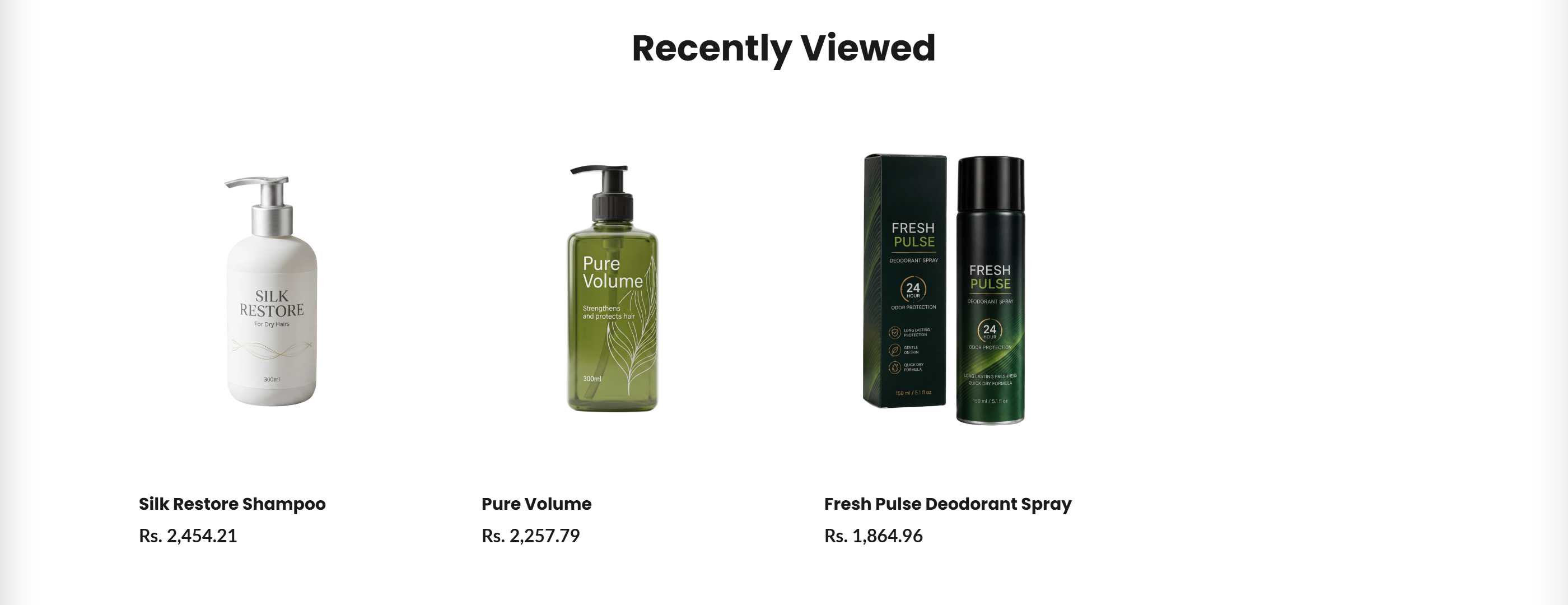
Recently Viewed
Displays a grid of products the shopper has recently viewed, loaded client-side from the browser's local storage.
The Recently Viewed section shows a personalized grid of products each shopper looked at earlier. Product handles are read from the browser's localStorage (key recently_viewed), then each product is fetched live from Shopify and rendered as a card. If the shopper has no history the section stays hidden.
How to use it
In the Shopify theme editor, add or open this section, then:
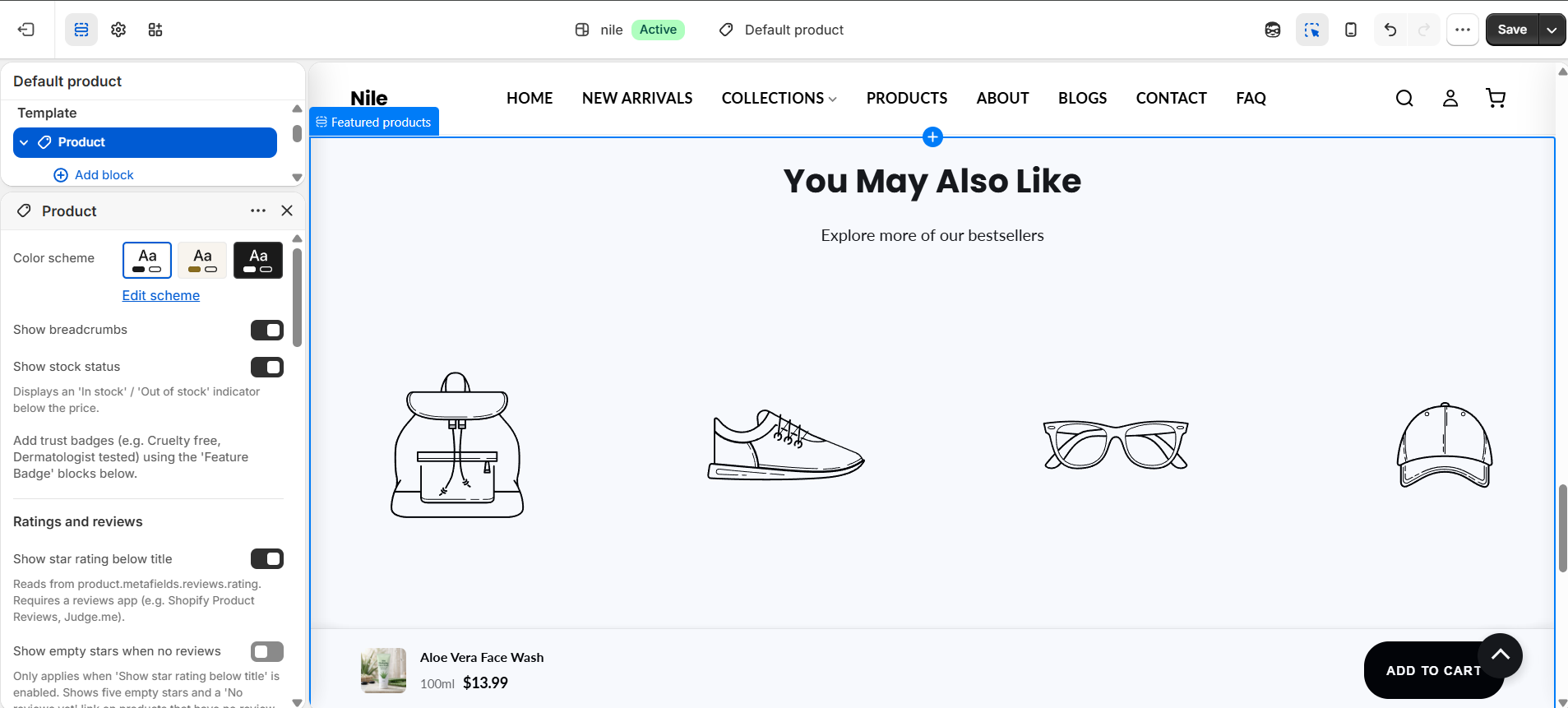
- In the theme editor, open a page in the product-sections group and add the Recently viewed section.
- Set the Section heading (defaults to Recently Viewed); leave it blank to hide the heading.
- Use Products to show to choose how many past products appear (2 to 8).
- Choose the Desktop columns (2, 3, or 4) for the grid layout.
- Pick a Color scheme to match the surrounding page, then save.
The section is hidden until the shopper has viewing history, so it will look empty on a fresh browser or in incognito mode - this is expected.
On tablet and mobile the grid always drops to 2 columns regardless of the desktop columns setting.
The current product is automatically filtered out of the list when the section is shown on a product page.
Settings reference
| Setting | Type | Default | What it does |
|---|---|---|---|
| Color scheme | color_scheme | scheme-1 | Sets the background and text colors for the section. |
| Section heading | text | Recently Viewed | Heading shown above the grid; leave blank to hide it. |
| Products to show | range | 4 | Maximum number of recently viewed products to display (2-8). |
| Desktop columns | select | 4 | Number of columns in the grid on desktop (2, 3, or 4); tablet and mobile use 2. |
Accepts @app blocks only, so merchants can insert compatible Shopify apps into the section.
Developer notes
Loads featured-products.css and renders section-color-scheme; card markup reuses the theme's product-card-item / product-price-wrapper classes.
- An inline IIFE reads handles from
localStorage['recently_viewed'], fetches each via/products/{handle}.js, and injects cards; it runs throughrequestIdleCallback(falling back tosetTimeout). - Prices are formatted client-side using
window.theme.moneyFormatandwindow.theme.currency, with a built-in currency-symbol fallback map. - All styles and element IDs are scoped by
section.id(e.g.#RecentlyViewed-{{ section.id }}) to avoid collisions when multiple instances exist.
<div class="rv__grid" id="rv-grid-{{ section.id }}" aria-live="polite"></div>
<script>
  var maxItems = {{ section.settings.products_to_show }};
  var handles = JSON.parse(localStorage.getItem('recently_viewed') || '[]');
</script>